If you want to start an online book store, the data is…
How To Place A Dropshipping Order on AliExpress
If you own a Shopify dropshipping store, one of the most vital aspects and skills is learning to place a dropshipping order on AliExpress correctly and efficiently, wherever you get an order.
Many dropshipping newbies lose money, delay shipments, or frustrate customers simply because they lack the understanding of proper logistics and order fulfillment between their Shopify store, the Dsers dropshipping app, and the AliExpress platform.
In today’s step-by-step guide, I’ll show you exactly how to place dropshipping orders on AliExpress using the Dsers dropshipping app or any other app you’ve installed in your store.
Whether you’re just starting or managing multiple stores, this tutorial will help you streamline your store fulfillment and avoid the costly mistakes that delayed logistics can cause.
Table of Contents
Why DSers Is the Best Tool for AliExpress Order Fulfillment
Before starting, we must understand that Dsers is the most preferred dropshipping tool among serious dropshippers.
The DSers app is the official AliExpress dropshipping tool that integrates seamlessly and directly with the Shopify e-commerce platform.
Dsers replaced the famous Oberlo app, which was one of the first dropshipping apps ever to launch, allowing dropshippers to import and connect their store to the Aliexpress platform. Dsers is the best Oberlo alternative as things stand; unless you are using a private supplier like JPNY Dropshipping, then you don’t need to use Dsers.
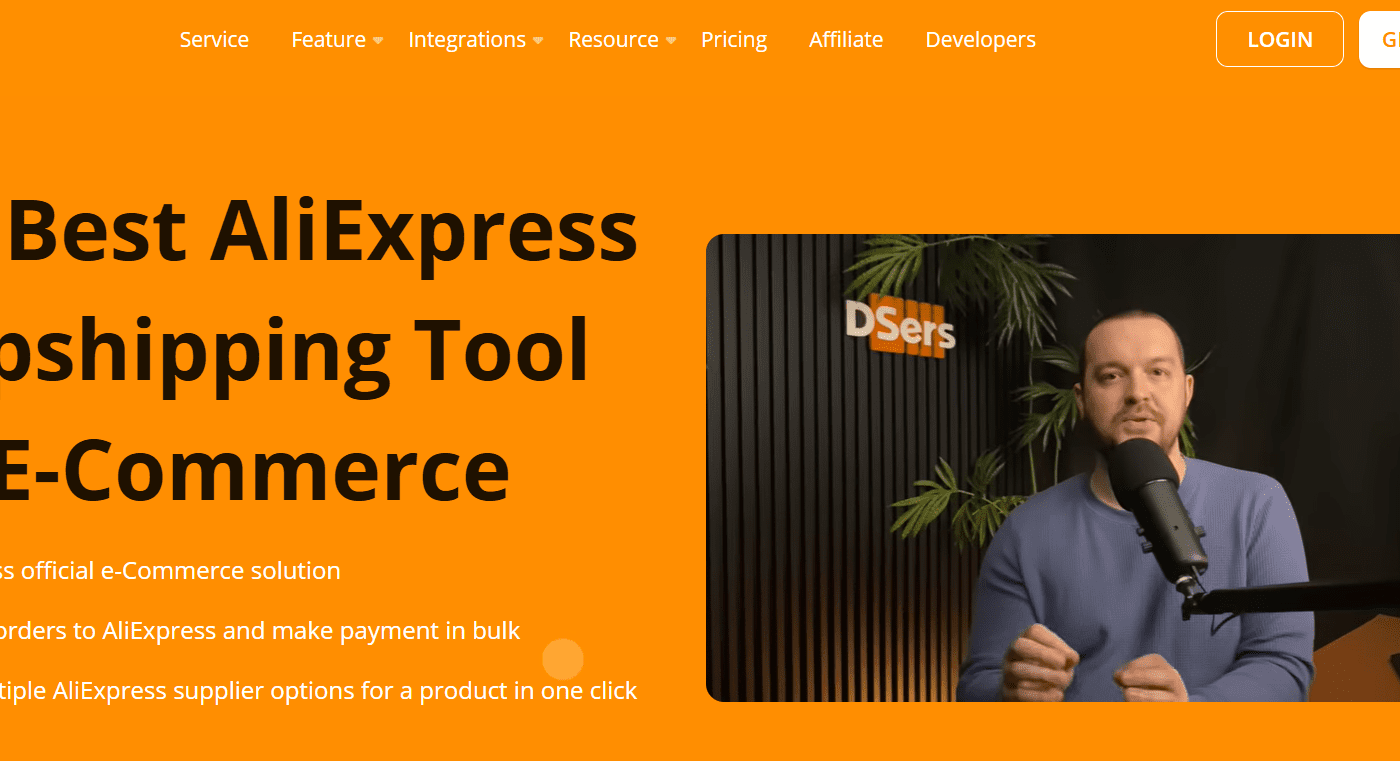
Dsers saves you time and money, instead of doing all the manual ordering process, e.g., copying customers’ details, placing orders one by one, Dsers dropshipping app automates most of the process for you.
You only need to authorize the order by entering your card’s CVV; the order will then be placed and a tracking code issued.
Key benefits Of Using the Dsers Dropshipping app
- You can place a build order and do bulk order processing
- It has automatic order syncing features
- Supplier mapping options
- Varint Mapping feature
It also automatically syncs tracking numbers, no more manual updates
Dsers offers a faster fulfillment workflow than the rest.
Faster fulfillment workflow
For Shopify store owners like you and many more, the Dsers app is essential if you want to scale your dropshipping store beyond a few orders per day.
Dsers has access to millions of Aliexpress products and database, hence making it the ideal dropshipping partner to choose.
Prerequisites Before Placing AliExpress Orders
Before you place your first dropshipping order on Aliexpress, you must first make sure you have the following in place;
If you have an active Shopify store, you can sign up here. If you don’t have a store, it’s free for 3 days, then $1 per month for the next 3 months. The Shopify store should have products and be connected to a dropshipping app like Dsers or any of your choice. You must have active orders and active customers before you place the same order via the app.
Head over to the Shopify app store, install the Dsers Dropshipping app, follow the prompts and instructions, and ensure it’s set up and linked to your products. If this stage was skipped, you can import the same products and merge them. Connect your store with the app, which in turn takes you to aliexpress to sign in for order automation to work.
Product Supplier Mapping Completed
Product mapping is crucial for a Shopify dropshipping business. Dsers offers this feature, ensuring each product in your Shopify store is correctly mapped. This helps synchronize orders across the Dsers and AliExpress dashboards. If this step is skipped, you may experience difficulty in placing your order.
To ensure your mapping is configured, go to the Dsers Dashboard, select any random products, open the product, and double-check if each is connected to the right supplier.
Step-by-Step: How to Place a Dropshipping Order on AliExpress
Now that you have the Dsers installed, it’s time we walk you through the exact order process.
Step 1: Customer Places an Order in Your Shopify Store
A customer visits your store either through an active campaign you’re running or via a referral. When they buy a product, your payment gateway captures the payment and marks it as successful.
You will be notified of the order by Shopify. You will see the customer’s shipping information, personal info, and the product they purchased, including the product variant, color, size, and quantity.
The product you purchased will appear under Orders in your Shopify dashboard, just as in your Dsers dashboard. The product is still unfilled at this time.
Step 2: Open DSers Orders Dashboard
The next step is to head over to your Shopify admin, under the apps section, click and open the Dsers app, then click the orders section, open orders, and choose the platform you are dropshipping from: AliExpress, Temu, or Alibaba. In this case, we use Aliexpress.
In this section, you will see all your new customers and orders awaiting processing. This is your main fulfillment control center.
Step 3: Verify Order Details Carefully (Critical Step)
The next stage is to verify and review customer details and order details. Ensure you check the customer name, shipping address, product variants, preferred shipping method, order quantity, and supplier price.
Many dropshipping beginners skip this step and later face disputes, chargebacks, and customer complaints about incorrect delivery addresses.
The verification steps save time and headaches; hence, they should be taken seriously.
You must double-check that there is no PO Box error, that the wrong country is not selected, that the variant matches the supplier, and that the shipping method is epacket or aliexpress standard shipping, unless you offer a third-party shipping method.
Step 4: Click “Place Order” in DSers
Once everything checks out, you’re good to place the order. You can now select the specific order you want and proceed to place the order.
The Dsers dropshipping app will auto-redirect to aliexpress, import the customer information, pre-fill the customer information, select the product, add the product quantity, and double-check if all the information is correct.
Step 5: Complete the Order on AliExpress
You need to complete your order on AliExpress and ensure everything is correct.
While on the order page, make sure the customer’s shipping address is correct, double-check it against the details in your Shopify store and your waiting order list on Dsers.
Ensure the spelling is correct, the address, postal code, country, and phone number are correct if provided.
If the Dsers app is mapped correctly, everything should be okay to go.
Ensure the shipping method is selected so you don’t affect the product’s delivery time.
Epacket delivers to most international countries. Provide this as the first option to your customers; you can also provide more options.
Ensure to leave a note for the supplier if necessary. Ifnecessary. If you are dropshipping, it’s important to let the supplier know you are dropshipping; therefore, they should not include any invoices or promotional materials that suggest you are not the actual seller of the product.
Hence, here is a sample message.
“This is a dropshipping order. Please do not include invoices, promotions, or brand materials.”
This helps keep your business as a white-label or private-label.
It’s time to make a payment now that everything is good. This is the stage where you enter your payment method. If you already used aliexpress, your card or payment method would be saved already. You can use either a virtual assistant, credit, or PayPal.
Aliexpress saves payment method, so you don’t have to enter the details again; you need to enter your card security number, CVV.
Once the payment is successful, the order is officially placed, and the supplier on aliexpress can start processing the order for dispatch.
Step 6: Return to DSers and Sync the Order
After the payment is successful, head over to your Dsers dashboard, select the specific order, and click Sync Orders to update the order status. You can mark the order as ‘awaiting shipment,’ which lets you track the supplier’s process before they issue a tracking code. This synchronization allows Shopify to stay updated as well as Dsers, and every action moving forward will also be notified to the customer.
Step 7: Monitor Supplier Processing
At this stage, your supplier will start preparing the order, handling packaging, and shipping it to the customer. When that is done, they will provide the tracking number uploaded in the Dsers order section.
Step 8: DSers Automatically Syncs Tracking to Shopify
Now, the automation process starts once your suppliers ship the products. Dsers takes over and pushes the tracking number to Shopify, and your customers automatically receive the shipping confirmation and order updates.
Step 9: Mark Order as Fulfilled in Shopify
The order is automatically marked as fulfilled in Shopify by Dsers, but you still need to manually verify it: click Orders, then select Fulfilled to confirm it’s marked as fulfilled. This helps customers receive timely updates.
Conclusion
If you are serious about scaling your dropshipping store and you don’t want to use Dsers or aliexpress, you can use private dropshipping suppliers in China like JPNY dropshipping, which communicates via WhatsApp and also gives you access to their database via your Shopify admin.
Head over to express fast shipping, professional product packaging, bulk order processing, and in-time communication.
Related Posts